
Device Tester Articles
Learn how to choose and check a mouse and how to clean your keyboard and mouse, plus key code tables you can copy from. Every article follows official guidance and specifications and includes a hands-on example in our own tools.
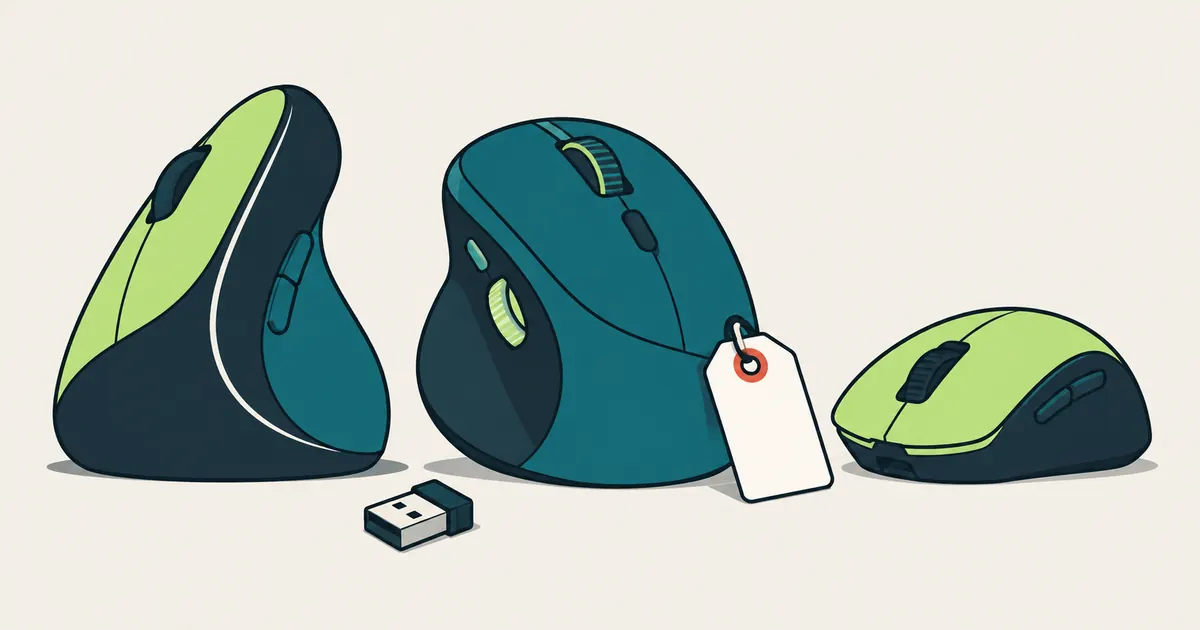
Best Mice in 2026: How to Choose for Work and Gaming
How to choose a mouse for work or gaming in 2026: fit, connection, battery, DPI and polling rate, plus official specs and US list prices for nine current models. We haven't tested them, but every figure has a source.
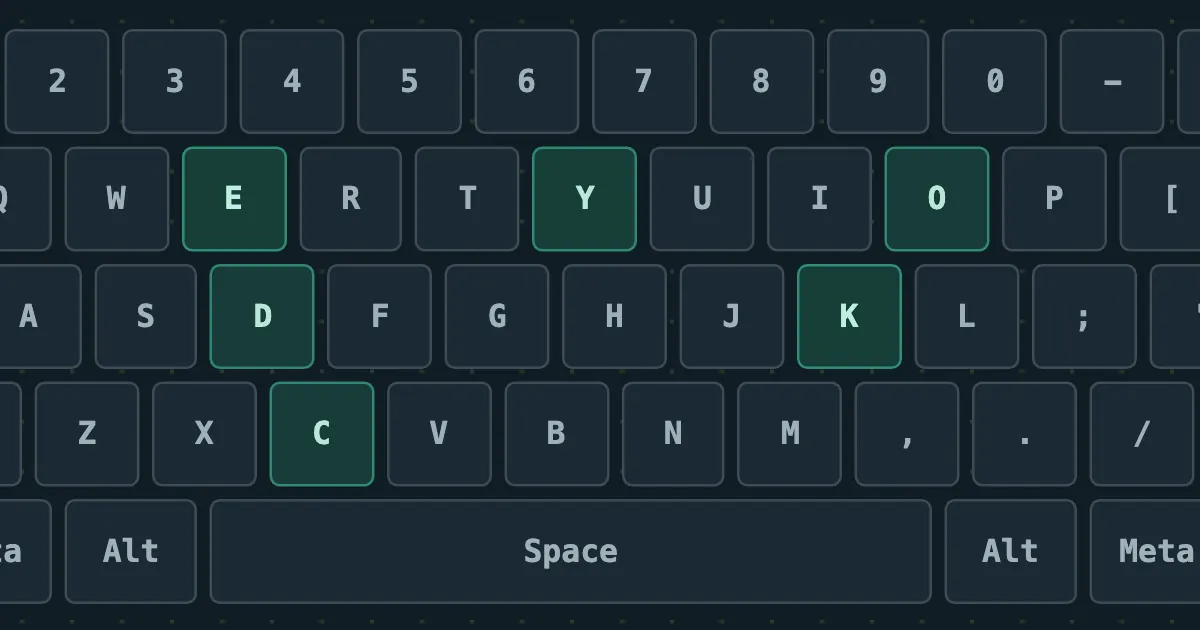
JavaScript Key Codes: event.key, event.code and keyCode for Every Key
A copy-ready JavaScript key code list for all 104 keys on a full-size US keyboard: event.key, event.code and the legacy keyCode, plus what each one means, that keyCode is deprecated and what to use instead.
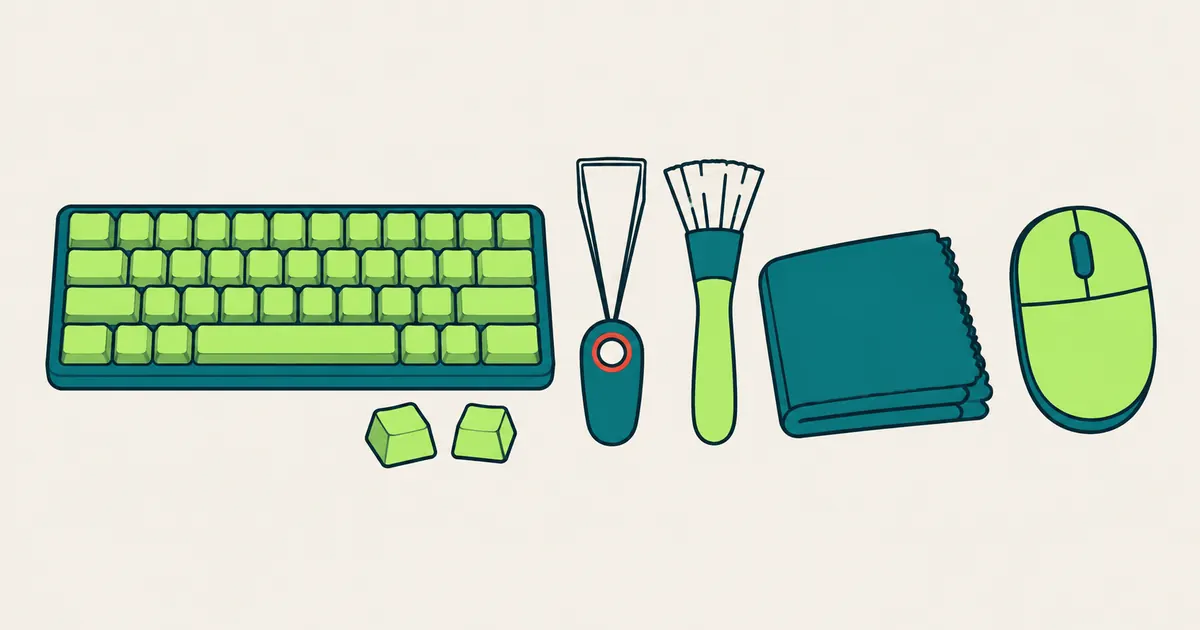
How to Clean a Keyboard and Mouse (and What Not to Use)
Keyboard and mouse cleaning steps drawn from Logitech, Microsoft and Apple care guides: how often to clean, which alcohol strength each brand allows, what never to use, and how to confirm every key still works afterwards.
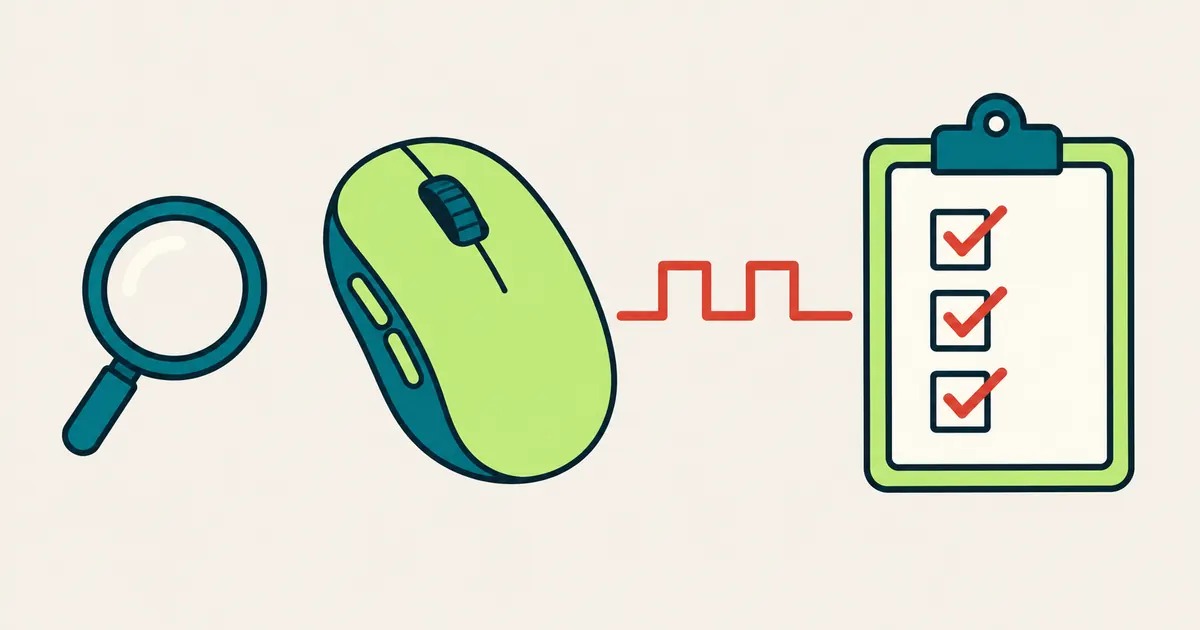
How to Check a New or Used Mouse: A 5-Minute Checklist
Check a new or secondhand mouse the day you get it: every button, the scroll wheel, side buttons, double clicking and drag holds, all in your browser, plus what to look at before you pay for a used one.
How these articles are written
Compiled by Device Tester (Pocketool) from manufacturer support pages, specifications, regulations and hands-on use of our own tools, with the fact-check date on every article. Buying guides only pull together official specifications and list prices, and they say plainly that we haven't tested the products. No article carries sales, price comparison or affiliate links.