
Browser storage
Only CPS best scores, grouped by test duration, are saved in localStorage. You can clear them at any time. Raw event history, mic recordings and camera snapshots are kept in memory and disappear when you leave or reload.
See what your devices send to the browser, hear what the browser sends back out, and check that your mic and webcam come through. Pick a tool to start; the test data stays on this device.
Buttons, double clicks, scroll wheel and clicks per second, all in one workspace.
Start testing →The key and code every press sends, what is held right now, auto-repeat and the gap between presses.
Start testing →Left and right channels, test tones and a frequency sweep.
Start testing →A live level meter, a clip you can play back, mic switching and fixes for blocked permissions.
Start testing →A live preview with the real resolution and frame rate, camera switching and mirroring.
Start testing →How many fingers your screen registers at once, where each one is, and which squares never got a touch.
Start testing →The mouse test used to live at this address. It now has its own page: open the mouse test
The mouse, keyboard, sound and touch screen tests need no device permission, and the sound test only plays audio. The mic and webcam tests ask for permission only after you press start; sound and video stay in this tab and are never uploaded or saved.
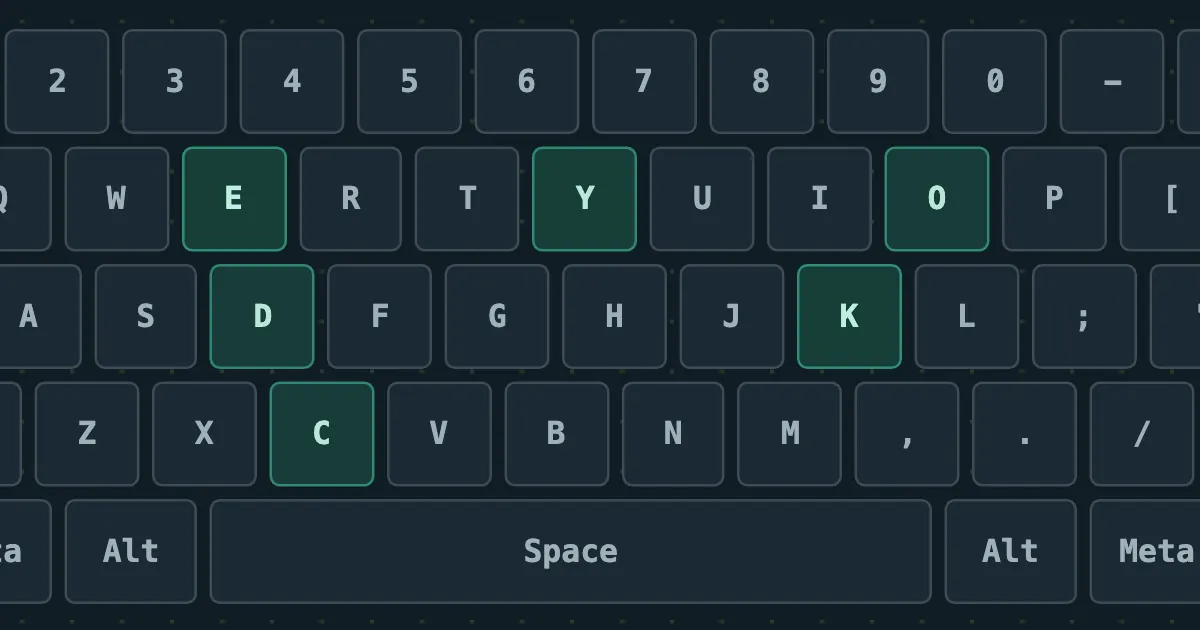
A copy-ready JavaScript key code list for all 104 keys on a full-size US keyboard: event.key, event.code and the legacy keyCode, plus what each one means, that keyCode is deprecated and what to use instead.
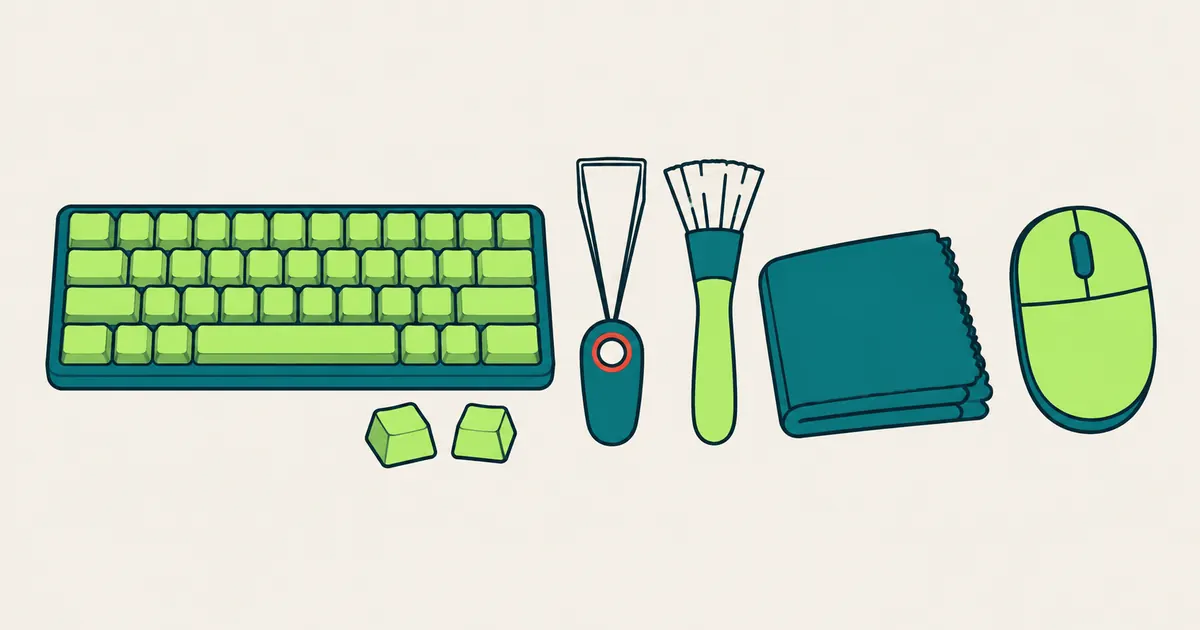
Keyboard and mouse cleaning steps drawn from Logitech, Microsoft and Apple care guides: how often to clean, which alcohol strength each brand allows, what never to use, and how to confirm every key still works afterwards.
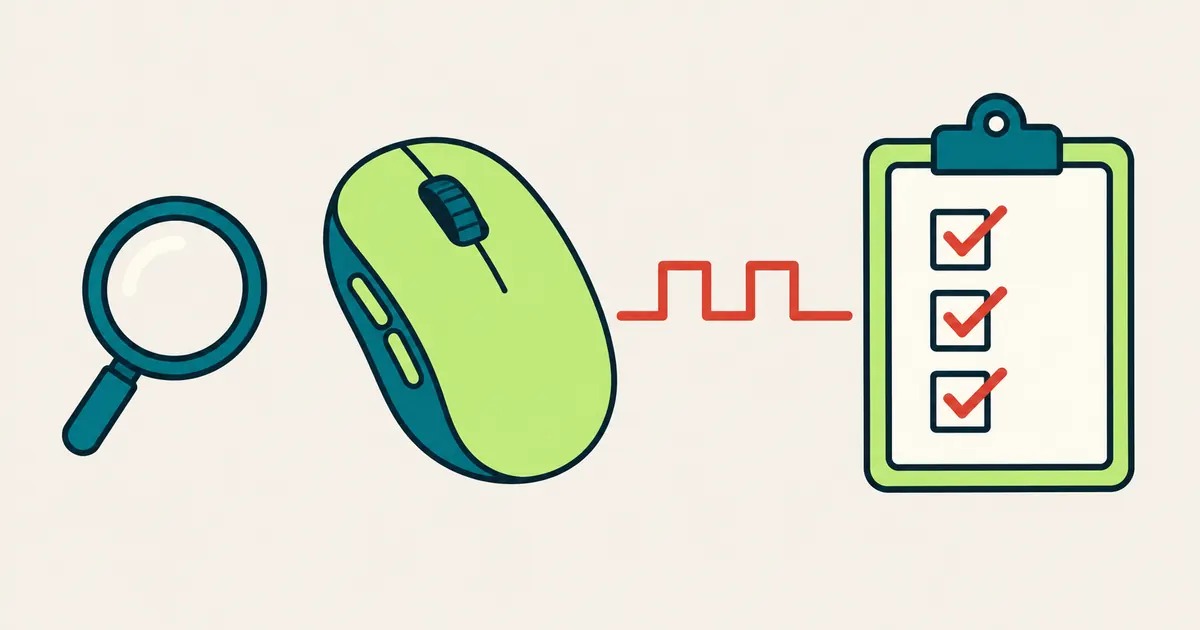
Check a new or secondhand mouse the day you get it: every button, the scroll wheel, side buttons, double clicking and drag holds, all in your browser, plus what to look at before you pay for a used one.
Privacy by design
Mouse buttons, coordinates, event timing, wheel deltas, the keys you press, the sound test frequency and volume you pick, your microphone audio and camera picture, and event history are not sent to any analytics service.
Only CPS best scores, grouped by test duration, are saved in localStorage. You can clear them at any time. Raw event history, mic recordings and camera snapshots are kept in memory and disappear when you leave or reload.
If Google Analytics is enabled, it records which pages you view (the address without anything after #), scrolling and engagement time, and processes standard connection and browser metadata. On top of that, this tool itself sends only these custom events: mode start, stop, completion, reset, local-record clearing, the sound test safety notice having been shown once, and the permission result of the mic and webcam tests. They carry only the interface language, the test mode, a permission result code (such as granted, denied or no device found) and this site's name, device-tester: no scores, no sound test frequency, volume, waveform or play time, and no microphone or camera names, audio or video. Google Signals and ad personalisation are disabled. Separately, Cloudflare adds Cloudflare Web Analytics to every page to count page views, referrers and load speed; it uses no cookies or localStorage and never receives any test data.
The mouse, keyboard and sound tests use standard pointer, wheel, keyboard and audio output APIs and ask for no device permission; the sound test only plays audio and never records. The mic and webcam tests ask for permission only after you press start, and sound and video stay in this tab, never uploaded or saved. The permission covers all of www.pocketool.app, and you can take it back at any time from the icon next to the address bar.