Emoji and Kaomoji Guide: Meanings, Compatibility and One-Tap Copying
Emoji, emoji combos, kaomoji and special characters, copied in one tap
 Tap the image to open the tool ↗
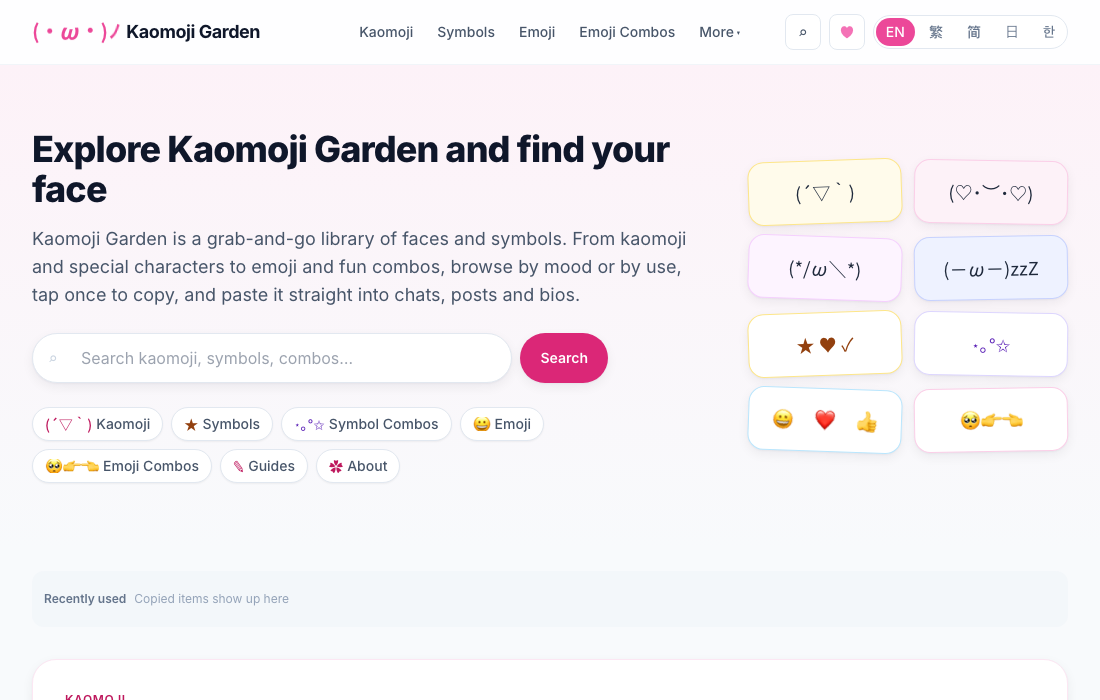
The tool behind this page is called Kaomoji Garden. It started as a kaomoji collection and has since grown to include emoji, emoji combos, special characters and symbol combos. They all look like little faces you paste into a chat, but they are quite different underneath. An emoji is a character defined by Unicode, and your device decides how it looks. A kaomoji is a face built out of ordinary text characters. An emoji combo puts several emoji side by side to say something a single emoji cannot. Besides explaining how to use the tool, this page covers the questions that come up most, such as why the other person sees something different from you.
What the tool collects
Everything is copied to your clipboard with a single tap, ready to paste into a chat, a post or a profile. The collection currently holds:
- Emoji: 1,906 of them, up to Emoji 16.0, listed on one page in Unicode's nine groups, with skin tones for people and hands.
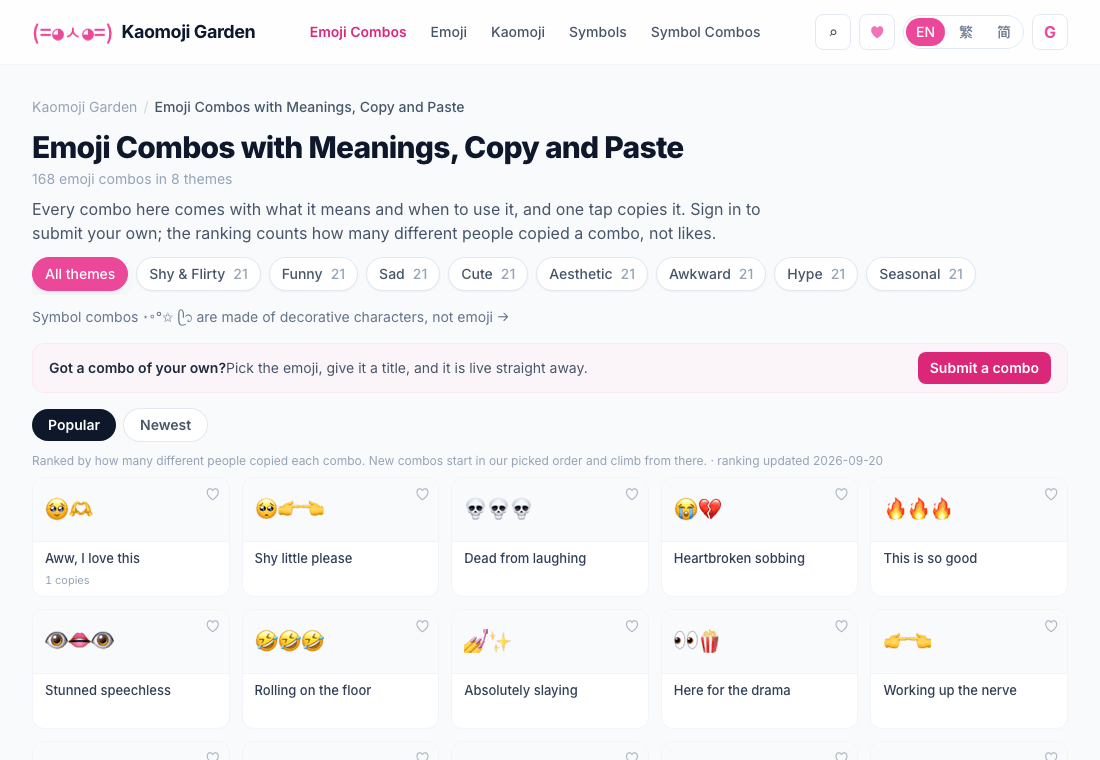
- Emoji combos: sets like 🥺👉👈 and 💀💀💀, each with its meaning and when to use it, sorted by theme. Signed-in users can submit their own.
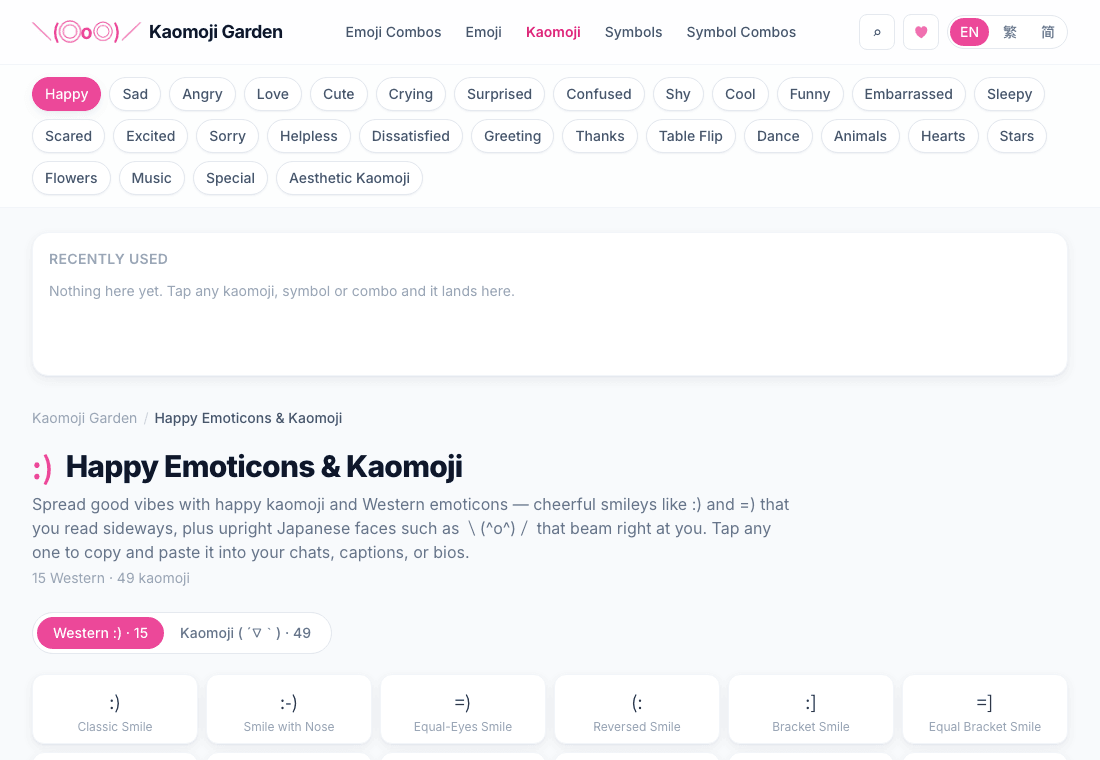
- Kaomoji and emoticons: 1,795 in total, 1,478 Japanese style kaomoji and 317 Western emoticons, in 29 categories by mood and theme, such as happy, sad, shy, table flip and animals.
- Special characters: arrows, stars, maths symbols, currencies, Greek letters, box drawing and other characters that are awkward to type, in 15 categories.
- Symbol combos: decorative strings such as ⋆。°✩ for dividers, borders and profile bios, in 19 categories.
A few details help you find things faster. Items you copy appear under recently used, the heart on each card saves it to your favourites (on the emoji page, turn on Pick favorites and tap an emoji), kaomoji can be browsed by tag, and search understands slang such as lol and omg. All of this stays in your browser, with one exception: Emoji combo favourites you choose to sync after signing in.
Emoji: one character, drawn differently on every device
Emoji are text, not images. Every emoji is a character defined by the Unicode Standard, or a short sequence of characters joined together, which is why you can paste one into a message, a spreadsheet or a file name like any other text. Unicode only defines what a character means, not what it looks like. Apple, Google, Microsoft, Samsung and others each draw their own, so the same 😀 looks slightly different on an iPhone, an Android phone and a Windows PC. The character you copy is identical everywhere; its appearance depends on the other person's device and app.
A few things you will run into:
- An empty box means the device has no artwork for that emoji yet, usually because its system is older than the emoji. I deliberately stop at Emoji 16.0 and leave out the newest emoji that many phones cannot display yet.
- Flags turn into two letters on Windows. A flag emoji is made of two regional indicator letters, and the emoji font built into Windows has no flag artwork, so 🇯🇵 shows as J and P. The copied text is complete, and it shows as a flag on a phone.
- Families and gendered professions are several emoji joined by invisible connecting characters. Copying keeps all of them, so apps that support the sequence show a single picture.
How Unicode numbers emoji, and how skin tones and family emoji are strung together from several characters, is covered in full on Kaomoji Garden: What Is an Emoji? Unicode, Sequences, and Why Yours Looks Different ↗
Skin tones and names
Pick a skin tone at the top of the emoji page and every person and hand emoji that supports skin tones switches to it, while the rest stay as they are. Emoji with two people, such as holding hands or a couple, use the same tone for both. Your choice is remembered in this browser, and copying, favourites and recently used all keep it.
The names and keywords come from Unicode CLDR, the shared data that software uses to name and search emoji, so searching for heart or thanks finds what you expect. Paste an emoji into the search box to look up its name.
Emoji combos: a sentence in two or three emoji
An emoji combo puts two or more emoji together to say something a single emoji cannot. The classic is 🥺👉👈: a pleading face and two fingers poking together, which reads as a shy "um, can I ask you something?" Combos get their meaning in roughly three ways. Some act out a scene, like 👀🍿, grabbing popcorn to watch the drama in the comments. Some have to be read aloud, like 👁️❤️🫵 for I love you. And some stack an emotion, like 💀💀💀 for laughing too hard.
The same emoji can mean different things to different generations and platforms. 💀 is widely used for "I'm dead" laughing rather than death, and a lone 🙂 often reads as cold or passive aggressive rather than a real smile. When in doubt, follow the emoji the other person already uses. Every combo on the site comes with its meaning and when to use it, so you can check before you send. What single emoji such as 💀, 🫠, 🥹 and 🤡 really mean online is covered in what internet emoji actually mean ↗.
Submission rules and what sign-in stores
- Submitting needs a Google sign in; browsing and copying do not. Each combo holds 2 to 12 emoji and nothing else: no text, symbols or kaomoji.
- Submissions go live immediately, without prior review. A combo only enters the popular ranking once different people have copied it on two different days.
- Duplicates are merged. If someone already submitted the same emoji in the same order, you are taken to that entry. Skin tones are normalised to the default yellow, so 👍🏽 and 👍 count as the same combo, but order is kept, so 🥺👉👈 and 👈👉🥺 are two different combos.
- Moderation happens afterwards. A combo reported by three accounts that are at least a day old is hidden automatically until it is reviewed, and a submission nobody copies is removed after 180 days. Sexual, hateful or harassing content, advertising and links are not accepted.
- Sign-in stores only your Google account identifier and your nickname (assigned at random the first time you sign in, and yours to change afterwards), never your name, email address or photo. Submissions and comments are public. When you submit or comment, the page loads Cloudflare Turnstile to check you are a person; it is not loaded while you only browse. See Kaomoji Garden's privacy page ↗ and the site-wide privacy policy.
Kaomoji, emoticons and emoji are not the same thing
The three words get mixed up constantly, but they are three different things:
| Name | Looks like | How you read it | What it really is |
|---|---|---|---|
| Emoticon | :-) | Tilt your head 90 degrees | Punctuation marks |
| Kaomoji | (´;ω;`) | Straight on, no tilting | Text characters arranged as a face |
| Emoji | 😀 | It is already a picture | Unicode pictographs |
The first emoticon is generally credited to Scott Fahlman, who suggested :-) on a Carnegie Mellon bulletin board in 1982 to mark jokes. Japanese internet culture then developed faces you could read without tilting your head, and the wide range of characters in Japanese text made the expressive faces we call kaomoji possible. Emoji came later, as coloured pictographs standardised by Unicode.
The advantage of kaomoji is that they are plain text and look the same for everyone. Emoji are redrawn by every platform, while a kaomoji is the same set of characters on every screen, as long as the font supports them. Every kaomoji category on the site holds both Japanese style kaomoji and Western emoticons, with tabs to switch between them. The English pages open on Western emoticons by default.
How a kaomoji is put together
Once you can see the parts, you can adjust any face you find:
- Cheeks or frame:
( ),{ }and【 】wrap the face. - Eyes:
^ ^for a smile,T Tfor tears,o ofor surprise,> <for strain. - Mouth:
‿,ω,▽,Д. - Hands and motion:
╰( )╯,( ノ)and╮( )╭for a shrug give the face some movement.
Put smiling eyes with a ▽ mouth and raised arms together and you get ╰(*°▽°*)╯. Learn the pattern and you can express something specific without memorising a list.
When things turn into boxes
Kaomoji and emoji are both Unicode characters, so whether they render depends on the fonts installed on the other person's device:
- Common face parts such as
^_^,ωand▽are very widely supported and show up almost everywhere. - Rarer maths symbols, box drawing characters, uncommon kana and very new emoji can fall back to an empty box on older systems or inside some apps.
- Stick to common kaomoji and emoji for chat. For anything printed or on a sign, where a mistake is expensive, avoid obscure characters or check them first on the kind of device your audience uses.
Accessibility is worth a thought
Screen readers read an emoji out by its name and read the symbols in a kaomoji one by one, so a long string of kaomoji can turn into a stream of brackets, tildes and commas. A few habits help:
- Do not let an emoji or kaomoji carry information on its own. Say it in words as well.
- Keep the number in one message low, especially long rows of the same emoji.
- Go easy in formal or public notices where accessibility matters.
How to use it
- Choose emoji, emoji combos, kaomoji, special characters or symbol combos from the menu, then a category, or search directly.
- Tap an item to copy it to your clipboard.
- Switch to any chat or text box and paste with Ctrl + V or Cmd + V.
The interface is available in English, Traditional Chinese and Simplified Chinese, switchable at the top right.
Questions people ask
Will it turn into garbled text after I paste it? Emoji and kaomoji are standard text characters and render correctly wherever Unicode is supported. Only old systems or environments missing fonts show boxes instead of rare symbols or very new emoji.
Does it work on a phone? Yes. The site works in mobile browsers and tap to copy behaves the same way there.
Can I use these on Instagram, Threads or Discord? Yes. They are plain text, so nearly every social and chat platform accepts them.
Are emoji combos the same as Gboard's Emoji Kitchen? No. Emoji Kitchen merges two emoji into a sticker image that cannot be pasted as text. The combos here are made of real emoji characters and stay plain text wherever you paste them.
Do I need to sign in? No. Browsing, copying and favourites need no account. Only submitting, commenting, reporting and syncing emoji combo favourites across devices require a sign in.
Once you have your face copied, you can also browse all tools for something else.